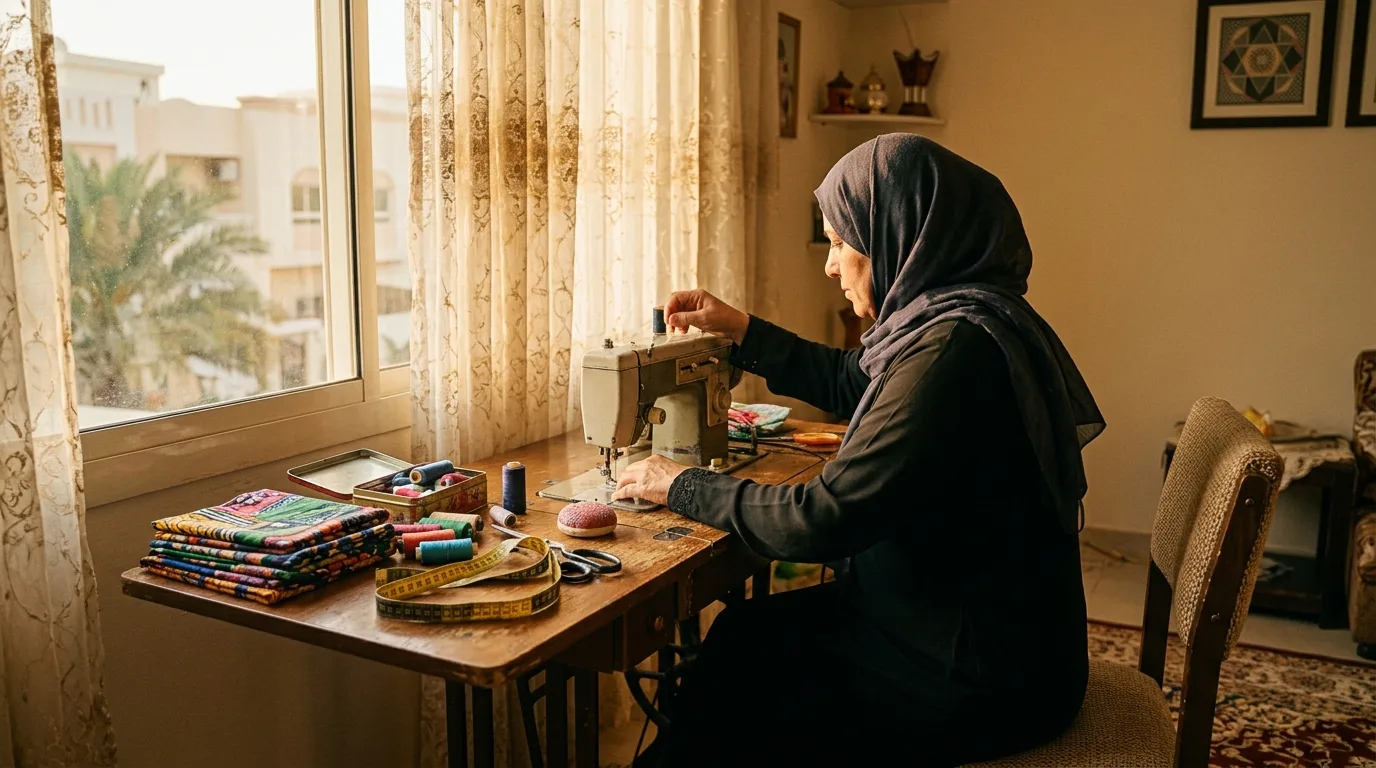
Kandura shop with a small team, Abu Dhabi
How a kandura shop with a small team runs its day with TailorSync AI
Rashid runs a kandura shop in Abu Dhabi with three tailors and one person on the counter. Everyone on the team uses ChatGPT, and each person connects it with their own TailorSync login. Rashid wants to know what was done, and by whom.

9:30 am
RashidWhich kandura orders are due for collection today?
What happens
A tailor asks his own ChatGPT. It answers from the shop's orders, and only with what his role and branch allow. It shows him nothing that his login could not open in the app.

12:00 pm
RashidNew order for the customer at the counter: one white kandura, AED 280, and take 15% off.
What happens
The person on the counter does not have the Apply discounts permission, so TailorSync refuses the order with the discount, and the refused try shows in Activity. Only people with that permission can give a discount, and it then shows on the invoice as a real discount.
2:00 pm
RashidAdd an order for Khalid: three white kanduras, AED 280 each, ready on Thursday, AED 400 deposit by card.
What happens
The order is created as ORD-0231 with the AED 400 card deposit recorded, the same as an order entered on the Orders page.
6:00 pm
RashidEvery evening at 6, send me today's summary.
What happens
Rashid is at a family dinner when his daily summary arrives: takings by payment method, orders taken and deliveries due tomorrow. The schedule lives in his ChatGPT, not in TailorSync, and whether a scheduled run can use TailorSync depends on his ChatGPT plan.

10:00 pm
In TailorSync
What happens
In TailorSync, Rashid opens Activity. Every change made through an assistant names the person and the assistant, for example "Ali via ChatGPT created order ORD-0231", next to the changes made in the app.
Used in this story
Set this up
Start a free trial, switch on AI connectors in Settings, then connect ChatGPT. The video shows every step.
Free for 30 days. TailorSync AI is included in every plan.